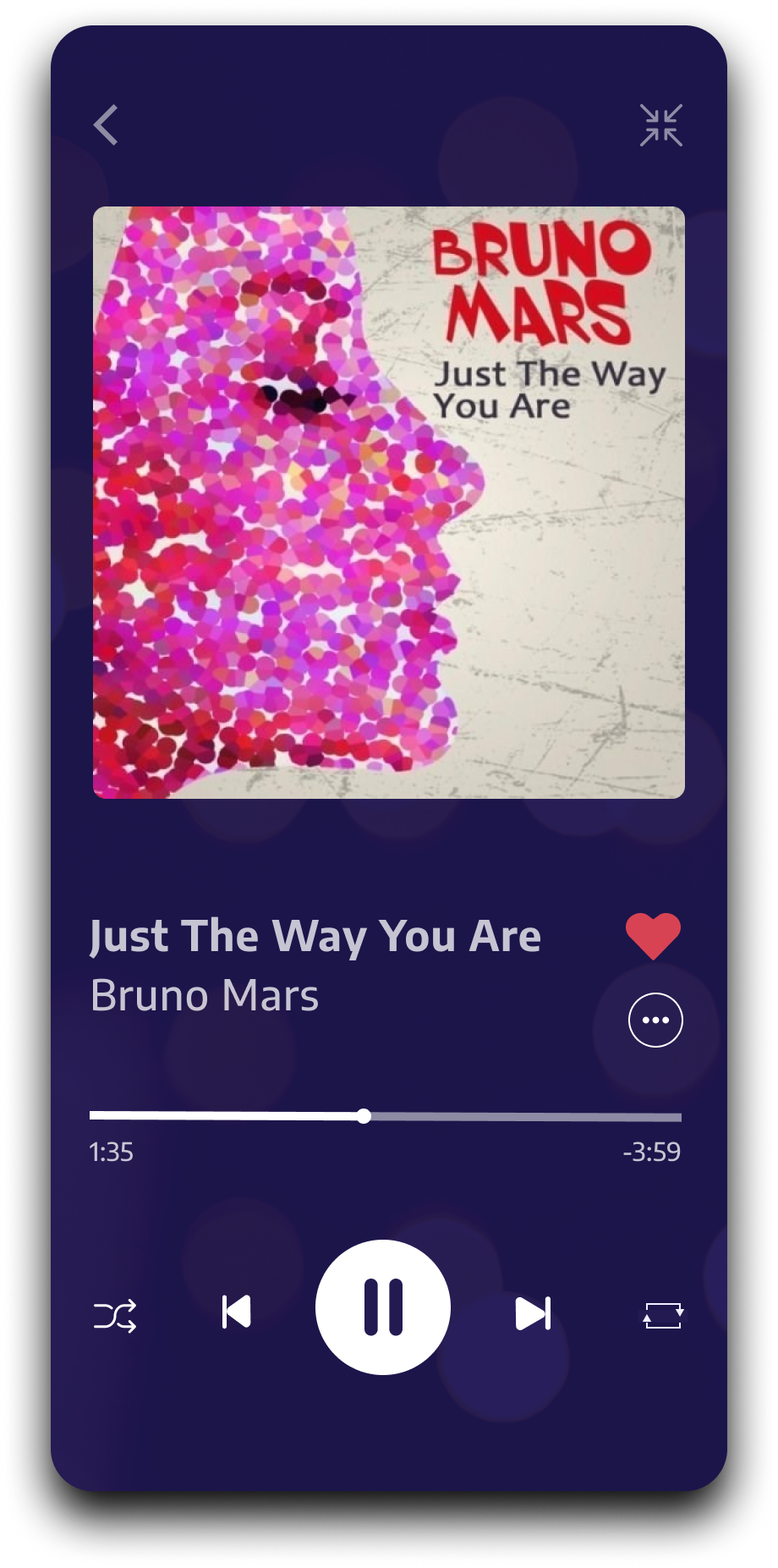
Designed an intuitive user experience for easy music discovery, playback, and management with seamless navigation and personalized recommendations for an engaging listening experience.


SUMMARY
The design process for user experience improvements to Netplay’s application involved analyzing competitor strengths and weaknesses, ensuring our app offered superior navigation and functionality. I developed a clear and logical sitemap to streamline user journeys, followed by creating low-fidelity sketches to outline the app’s structure and key interactions. This foundational work ensured the final design provided a seamless, engaging, and visually appealing user experience tailored to music lovers' needs.
ROLES
Research
User Experience
UI Design
TOOLS
Figma
HeyCollab
RESPONSIBILITIES
Competitive Research
Moodboard
Sitemap
Low Fidelity Wireframes
High Fidelity Wireframes
User Interface
Prototype

CHALLENGE
The challenge for Netplay was user feedback that clearly stated the personalization and searching experience within the app was not good.
SOLUTION
To address this challenge, Netplay needed a dynamic, AI-driven recommendation engine that curates personalized playlists and suggestions based on user behavior, paired with a clean, responsive interface that simplifies navigation and search functions. Additionally, optimizing the app's performance with efficient data management and caching strategies to ensure smooth playback and quick access to extensive music libraries.
THE PROCESS
1
COMPETITIVE RESEARCH
Conducting competitive research for a music streaming app involves analyzing existing platforms to identify strengths, weaknesses, and market gaps, ensuring our app offers unique features and a superior user experience.


2
MOODBOARD
Crafting a moodboard to choose a color palette that radiates joy, vibrancy, and fosters a playful atmosphere requires a creative and joyful approach, capturing the essence of fun and ease-of-use.


3
SITEMAP
Developing a sitemap for the UI/UX design process of a music app is crucial as it provides a structured blueprint, ensuring logical navigation, efficient organization of content, and a seamless user experience across the platform.

4
USER EXPERIENCE
Designing user experience as low-fidelity sketched wireframes first allows for rapid iteration and exploration of layout and functionality, facilitating early feedback and alignment with project goals. These wireframes serve as a foundational blueprint, enabling me to focus on the structural aspects of the interface before delving into finer details.
Afterwards, transitioning from low-fidelity sketches to UX wireframes provides a more detailed blueprint, allowing me to refine layout, functionality, and interactions while maintaining flexibility for iterative improvements and feedback, ultimately shaping the foundation for the app's user experience before moving into higher-fidelity prototyping stages.
-
![Simple sketch of a smartphone with the word "Netplay" written on the screen and two rectangles above and below the word.]()
Splash
-
![A hand-drawn sketch of a smartphone screen displaying the Netplay app, with a logo at the top and a sign-in form with two input fields and a dark shaded button.]()
Sign In
-
![Sketch of a smartphone screen displaying a user interface with various rectangular and circular icons and buttons.]()
Listening
-
![Sketch of a smartphone screen displaying a user interface with a back arrow, a large X mark above a thick horizontal bar, four checkbox options with checkmarks or circles, and a large button labeled 'VOTE' at the bottom.]()
Artist Page
-
![Sketch of a smartphone screen displaying a to-do list with checkboxes and buttons at the bottom.]()
Playlists


-
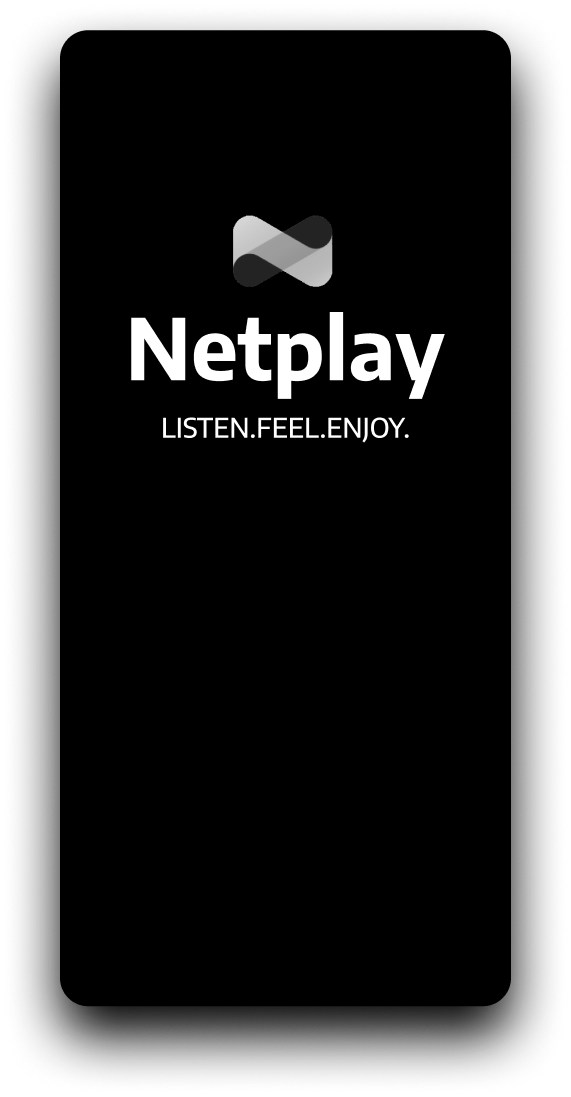
![Screenshot of the Netplay app with the slogan "LISTEN. FEEL. ENJOY." on a black background.]()
Splash
-
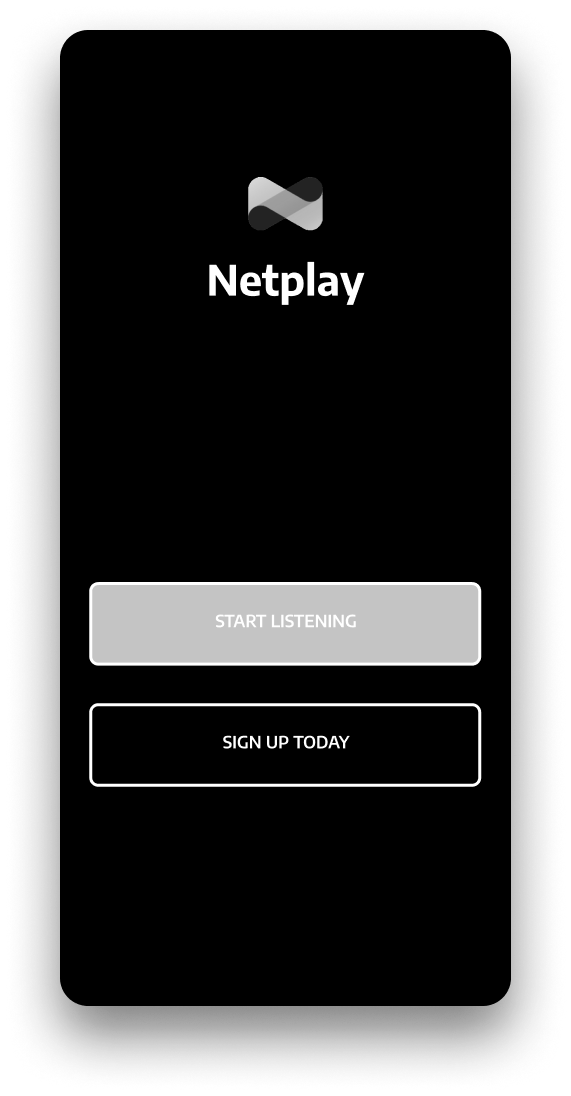
![Netplay app screen with a logo, the word 'Netplay', a gray 'Start Listening' button, and a black 'Sign Up Today' button on a dark background.]()
Unauthenticated Landing
-
![Screen showing a sign-up page for Netplay with fields for email, password, and username, a start listening button, a terms and privacy checkbox, and a login option for existing members.]()
Sign Up
-
![Mobile login screen for Netplay app with fields for email and password, and options to sign in or sign up.]()
Sign In
-
![Mobile app screen showing music genre selection with options for Rock, Rap, Country, Blues, Classical, Reggae, Christian, and Indie, and a continue button.]()
Onboarding: Choose Genres
-
![Mobile app screen prompting the user to select three or more pop artists to continue, with options including Lady Gaga, Taylor Swift, Michael Jackson, The Weeknd, Justin Bieber, Katy Perry, Adele, Bruno Mars, and Justin Timberlake, and a navigation arrow button at the bottom.]()
Onboarding: Choose Artists for Genre 1
-
![Mobile app screen with a black background, white text, and circular buttons to select country artists. The text reads, 'Select 3 or more Country artists to continue.' There are nine unnamed artist circles with labels including Lady Gaga, Taylor Swift, Michael Jackson, The Weeknd, Justin Bieber, Katy Perry, Adele, Bruno Mars, and Justin Timberlake. A white arrow button is at the bottom.]()
Onboarding: Choose Artists for Genre 2
-
![A mobile app screen displaying music streaming interface with sections for trending albums and popular artists, featuring a dark theme, navigation icons at the bottom, and a highlighted playlist titled 'POP WELCOME MIX'.]()
Authenticated Landing
-
![Mobile screen showing a music streaming app with a]()
Listening
-
![Music player screen showing the song "Just The Way You Are" by Bruno Mars, with playback controls and a gray album art placeholder.]()
Song
-
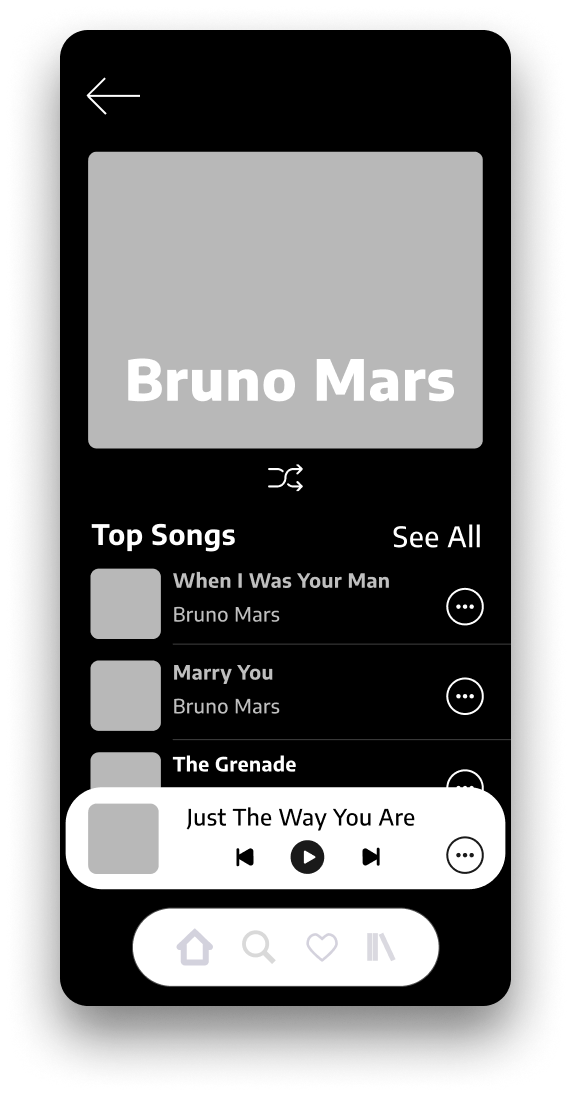
![Music streaming app displaying Bruno Mars' top songs, with 'Just The Way You Are' currently playing, on a smartphone screen.]()
Artist
-
![Screenshot of a music streaming app with a playlist called "Just The Way You..." playing, featuring sections for trending albums, popular artists, and navigation icons at the bottom for home, search, favorites, and library.]()
Browse While Listening
-
![Mobile app screen showing playlist options, including new playlist, popular playlists like 'Welcome Pop Mix' and 'Welcome Country Mix', and a popular playlist called 'Dance Party' with a description of best dance songs from 2000-2021.]()
Playlists




5
USER INTERFACE
Designing an intuitive and fun user interface entails employing user-centric design principles to create a seamless navigation experience, complemented by visually appealing graphics a that evoke a sense of enjoyment and exploration. Intuitive controls and interactive elements, coupled with personalized recommendations, enhance user engagement and foster a vibrant community around music discovery and enjoyment. By prioritizing simplicity and delight in every interaction, the interface transforms the act of listening to music into a joyful and immersive experience.
-
![Netplay app splash screen with logo and the tagline 'LISTEN. FEEL. ENJOY.']()
Splash Page
-
![Screenshot of Netplay app login screen with a dark purple background, displaying the app logo, and options to start listening or sign up today.]()
Unauthenticated Landing
-
![Netplay app login screen with sign-up form, fields for email, password, and username, a start listening button, terms and privacy checkbox, and login link at the bottom.]()
Sign Up
-
![Mobile app login screen for Netplay with fields for email and password, and a button to start listening.]()
Sign In
-
![Mobile app interface with a music genre selection screen, offering options including Rock, Rap, Pop, Blues, Country, Classical, Reggae, Christian, and Indie, with a submit button at the bottom.]()
Onboarding: Choose Genres
-
![Mobile app screen showing a selection of pop artists to continue, with images and names of Lady Gaga, Taylor Swift, Michael Jackson, The Weeknd, Justin Bieber, Katy Perry, Adele, Bruno Mars, and Justin Timberlake.]()
Onboarding: Choose Artists for Genre 1
-
![Mobile app screen for selecting country artists, showing profile pictures and names of various musicians, with options to select three or more for continued use.]()
Onboarding: Choose Artists for Genre 2
-
![Mobile app interface for a music streaming service featuring a 'Pop Welcome Mix' playlist, trending albums, and popular artists including Ed Sheeran, Taylor Swift, and Cardi B, with navigation icons at the bottom.]()
Authenticated Landing
-
![Music playlist screen titled 'Pop Welcome Mix' with album artwork of Taylor Swift, One Direction, and Michael Jackson, featuring song titles 'Love story', 'Best Song Ever', 'Smooth Criminal', and current playing song 'Just The Way You Are'.]()
Listening
-
![Music player screen showing the song "Just The Way You Are" by Bruno Mars playing.]()
Song Page
-
![A digital music app showcasing Bruno Mars, featuring his photo, list of top songs including "When I Was Your Man," "Marry You," and "The Grenade," and a music player playing "Just The Way You Are."]()
Artist Page
-
![Mobile app interface of Netplay music streaming service with a dark purple background, showing a music player, trending albums, popular artists, and navigation icons.]()
Browse While Listening
-
![Mobile app screen showing playlist options with sections for creating a new playlist, welcoming pop music mix, welcoming country music mix, and browsing popular playlists, including one titled 'Dance Party' with a thumbnail of colorful lights.]()
Playlists